Your CAD model belongs on the shop floor
CADAR brings design context, guided checks and inspection records into one workflow for quality and manufacturing teams.
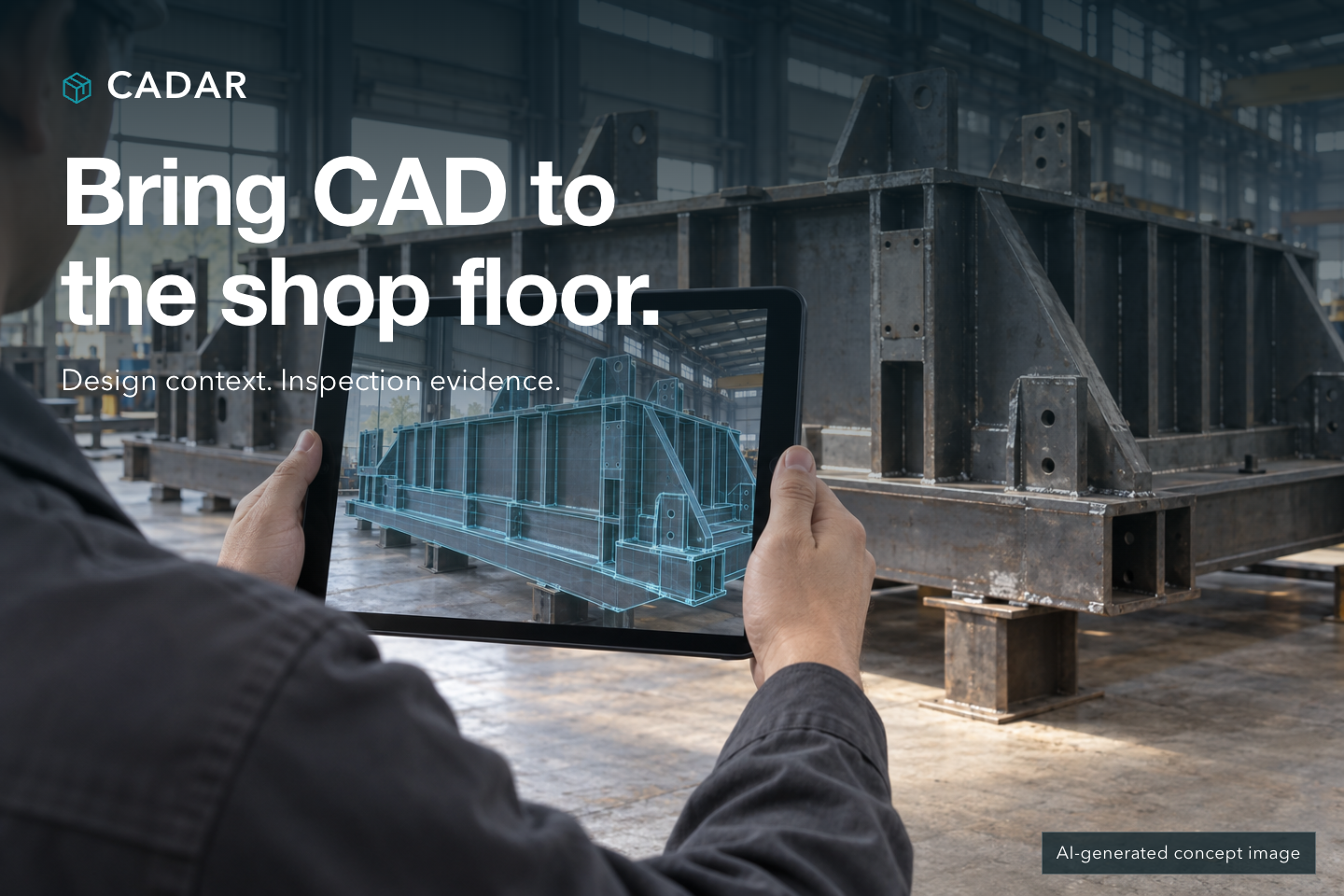
AI-generated concept image illustrating a potential application.
A missing stiffener. A bracket facing the wrong way. A bolt that never made it into the assembly.
Each is easy to describe. Finding it on a large assembly means connecting a requirement in the drawing to a specific part in front of you. Then someone has to record what was checked, what they found and why they made that call.
CADAR is an industrial augmented reality inspection prototype for iPad Pro. It connects CAD models and inspection plans with visual checks on the shop floor, photo records and browser-based review.
The aim is practical: give inspectors a useful reference at the part, and give the next person enough context to understand the result.
Give every check a clear starting point
Before an inspection begins, an engineer can import a STEP model into CADAR Studio, select the relevant parts and define the checks. Each check can include acceptance criteria and supporting documents.
Publishing a fixed version of the plan gives the inspector and reviewer a shared reference. They can work from the same requirements, with a record of which version applied to that inspection.
For a fabricated steel assembly, that might mean a check for a stiffener's presence, a connection plate's orientation or the expected number of fasteners. The plan makes the next task explicit: find this part, check this requirement and record the result.
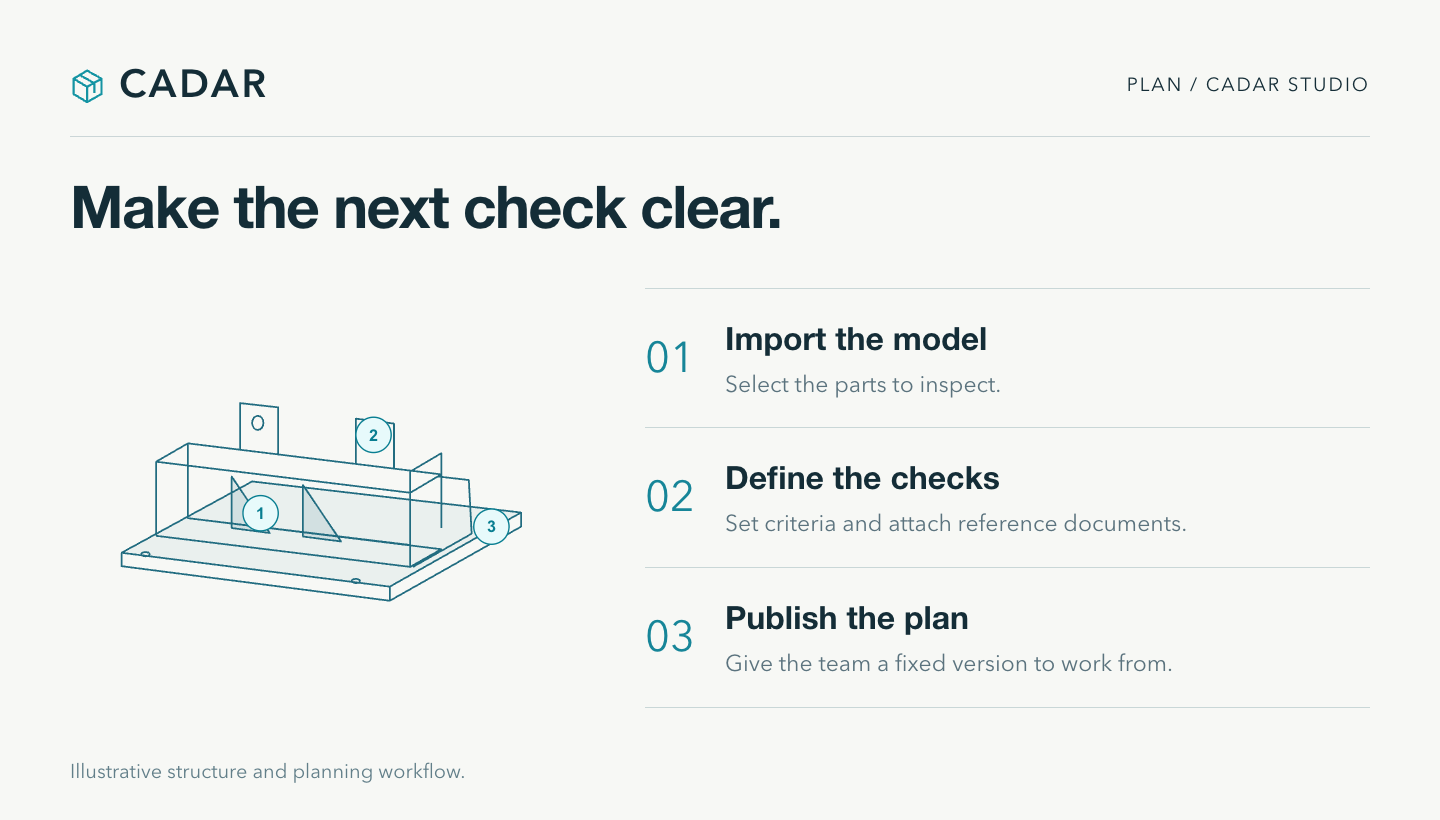
Illustrative planning workflow.
Put the design next to the decision
On the shop floor, the inspector opens the project on an iPad and follows the model alignment guidance. Once aligned, the CAD overlay provides a visual reference for comparing the model with the assembly.
Transparent, wireframe, split-screen and section views support different ways of looking at the part. The inspection plan keeps the relevant check and its requirements close at hand.
The inspector makes the decision. CADAR provides context and a place to record it. When a finding is uncertain, it can be marked for review.
This approach is intended for questions such as whether a part is present, whether it appears correctly oriented and whether the visible quantity matches the requirement. Suitability depends on the specific assembly and inspection conditions.
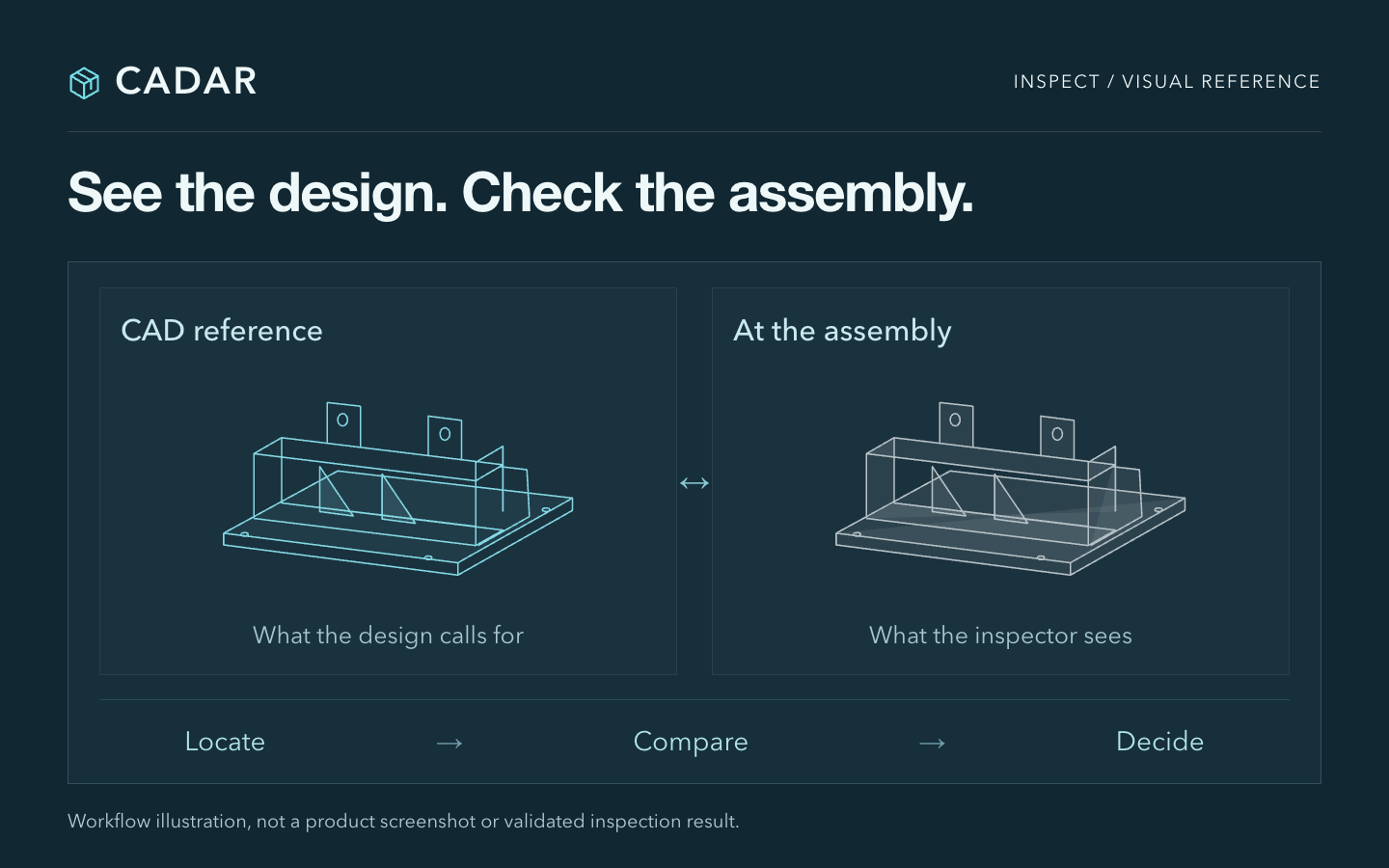
Workflow illustration, not a product screenshot or a validated inspection result.
Keep the evidence with the finding
A photo helps. A photo tied to the right part, requirement and inspection result is much more useful.
CADAR organizes records around individual inspection checks. Inspectors can record a result, identify the issue, add notes, take photos and annotate the area that needs attention. Voice notes provide another way to capture context at the part.
That gives a reviewer a more useful starting point: the check, the finding and the supporting record, together. A discussion about a bracket can start with the relevant image and requirement already in view.
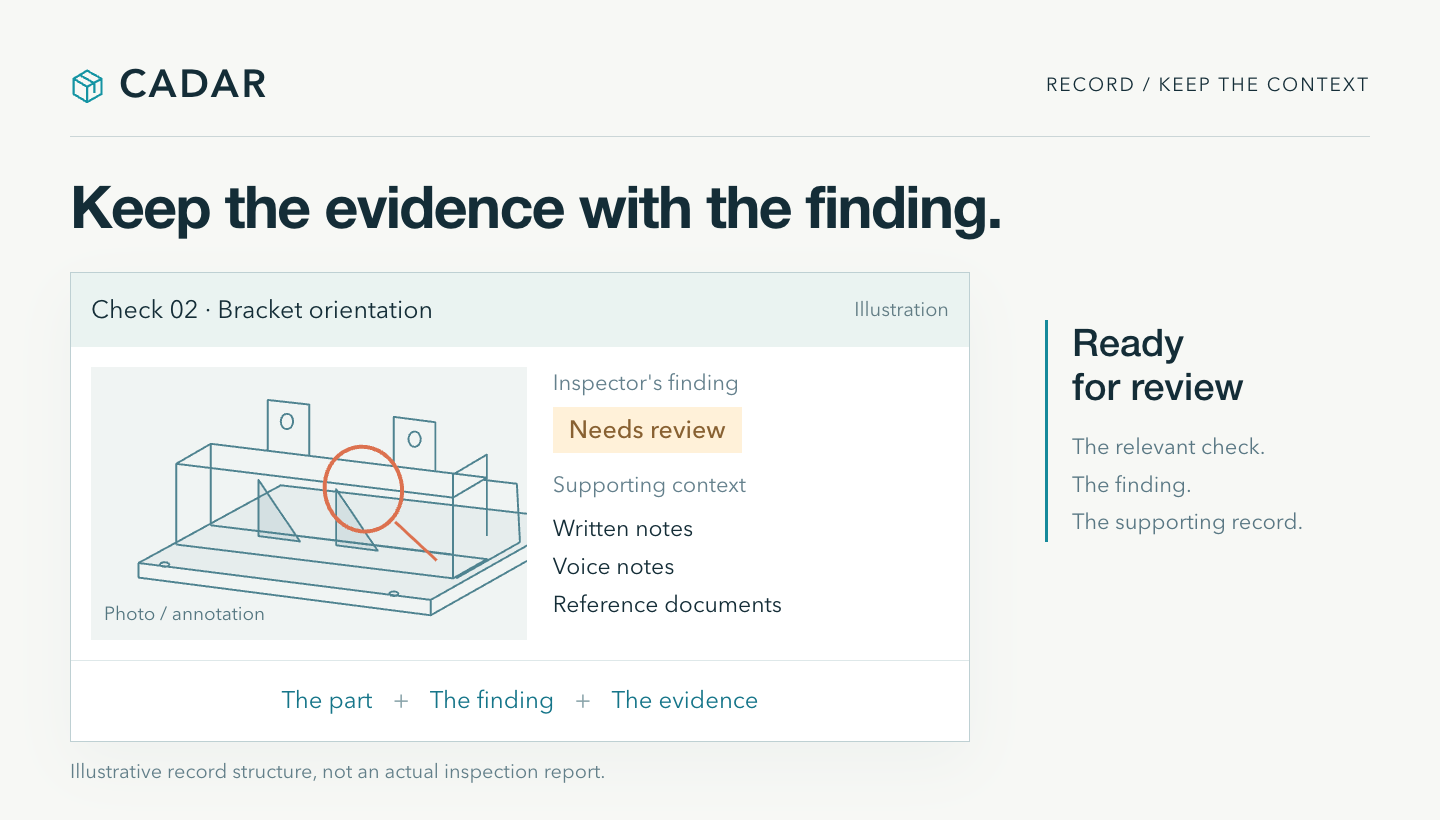
Illustrative record structure, not an actual inspection report.
Make the handoff useful
The prototype workflow includes PDF and CSV reports, along with review in the browser. A supervisor can examine the results and photos, then record a review decision. Inspection records retain their project version context.
For the team, the intended benefit is continuity. The engineering requirement, the inspector's observation and the review decision remain connected as the work moves between people.
Start with one part and a specific question
We are looking to explore part-specific pilots with quality, manufacturing and assembly teams. Candidate applications include fabricated steel structures and equipment assemblies with clearly defined visual checks.
A useful starting point is one part number, its STEP model and three to five checks that matter to your team. Include representative conforming parts and known assembly issues. Then run the workflow from planning through review and assess the things that determine whether it is useful: alignment behavior, ease of inspection and completeness of the records.
CADAR is currently an integrated prototype. Tracking performance and the complete workflow need validation on the parts and under the conditions you intend to inspect. AR overlays and LiDAR support visual screening; dimensional acceptance requires appropriate measurement equipment and inspection procedures.
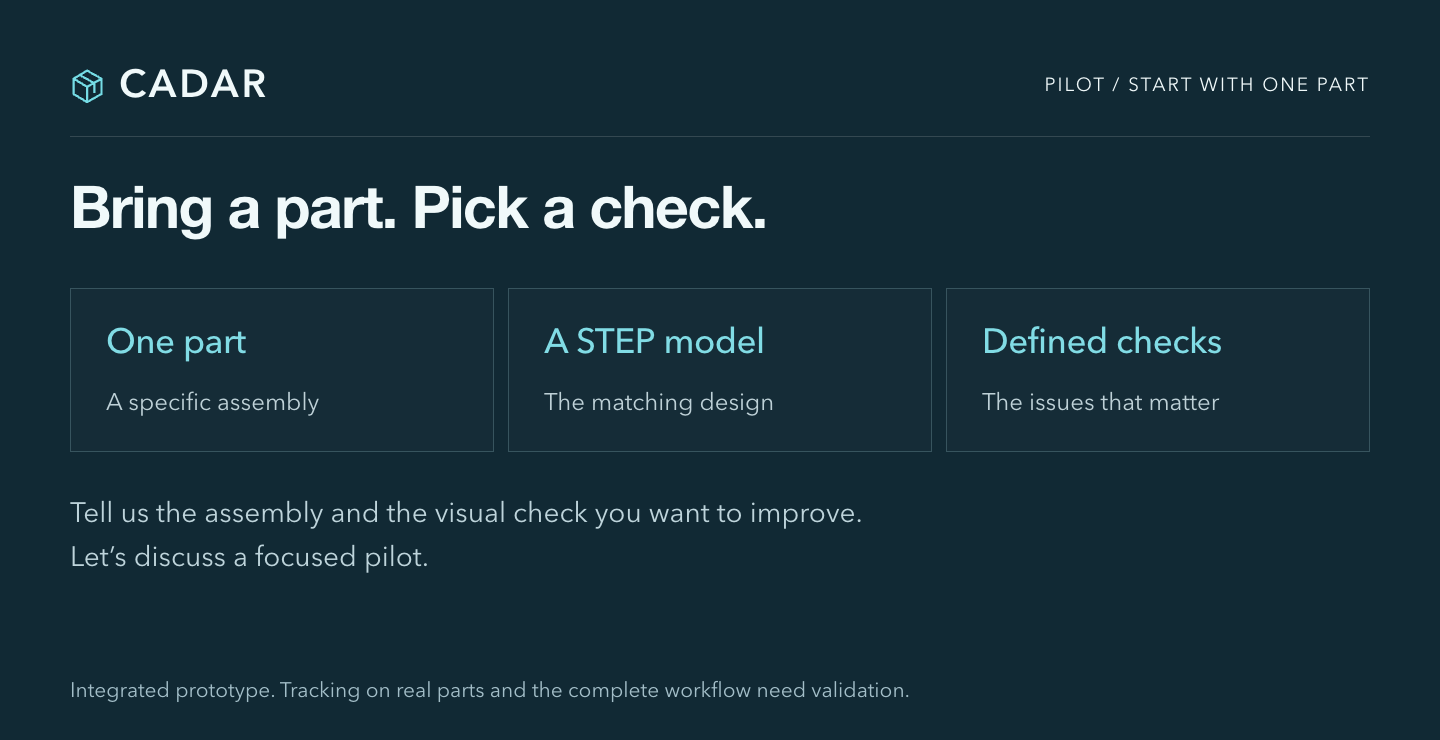
If you work in quality or manufacturing, what is the hardest visual check on your assembly?
Tell us the part type and the issue you need to check. That is a good place to start a pilot conversation.